Table of Contents
Follow these instructions to help configure your Oracle - Virtualbox.
Step 1:
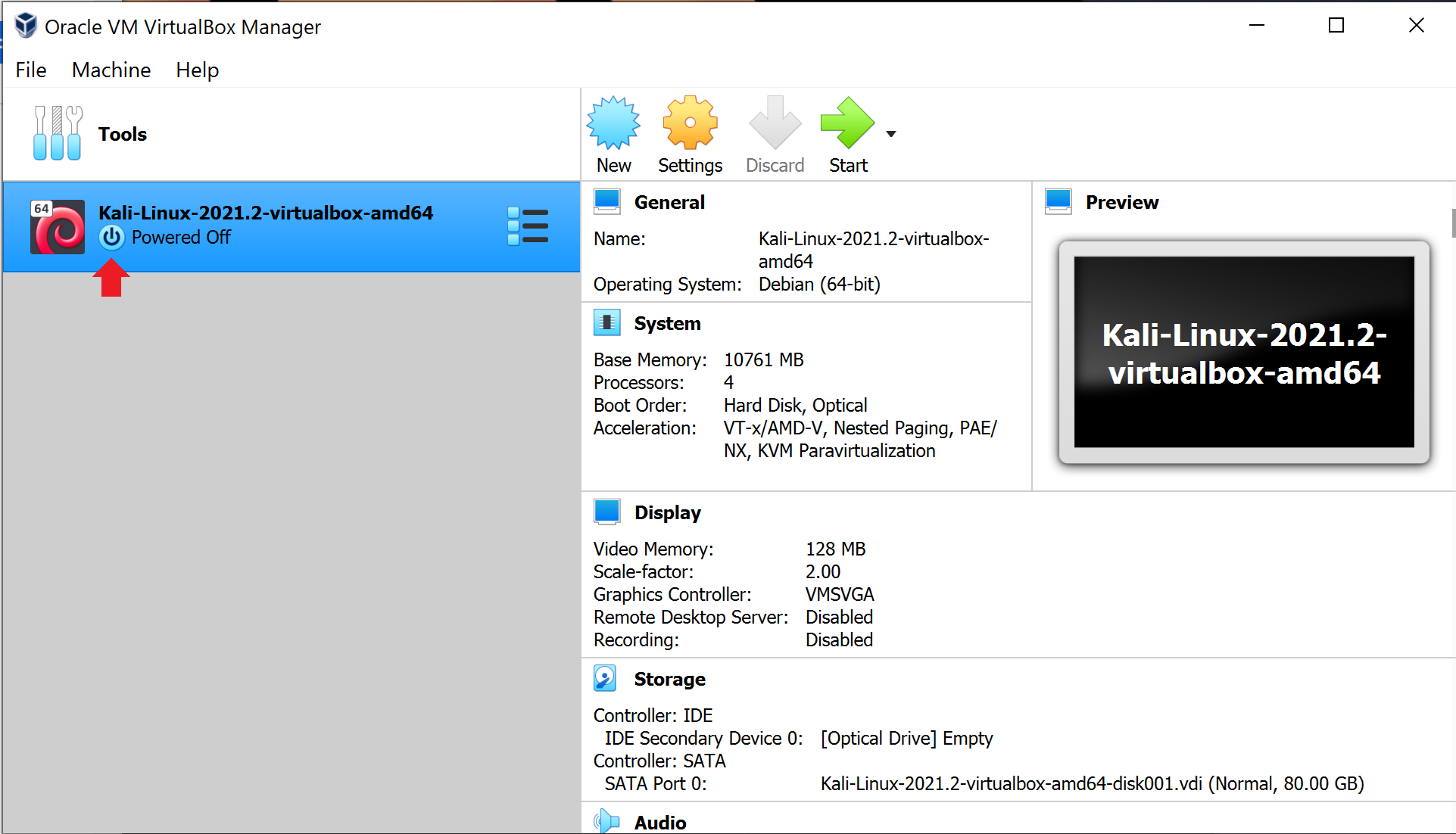
Before making any changes to your virtualbox settings, make sure that your machine is powered off.
Step 2:
Press the machine menu selection and then press settings.

Step 3:
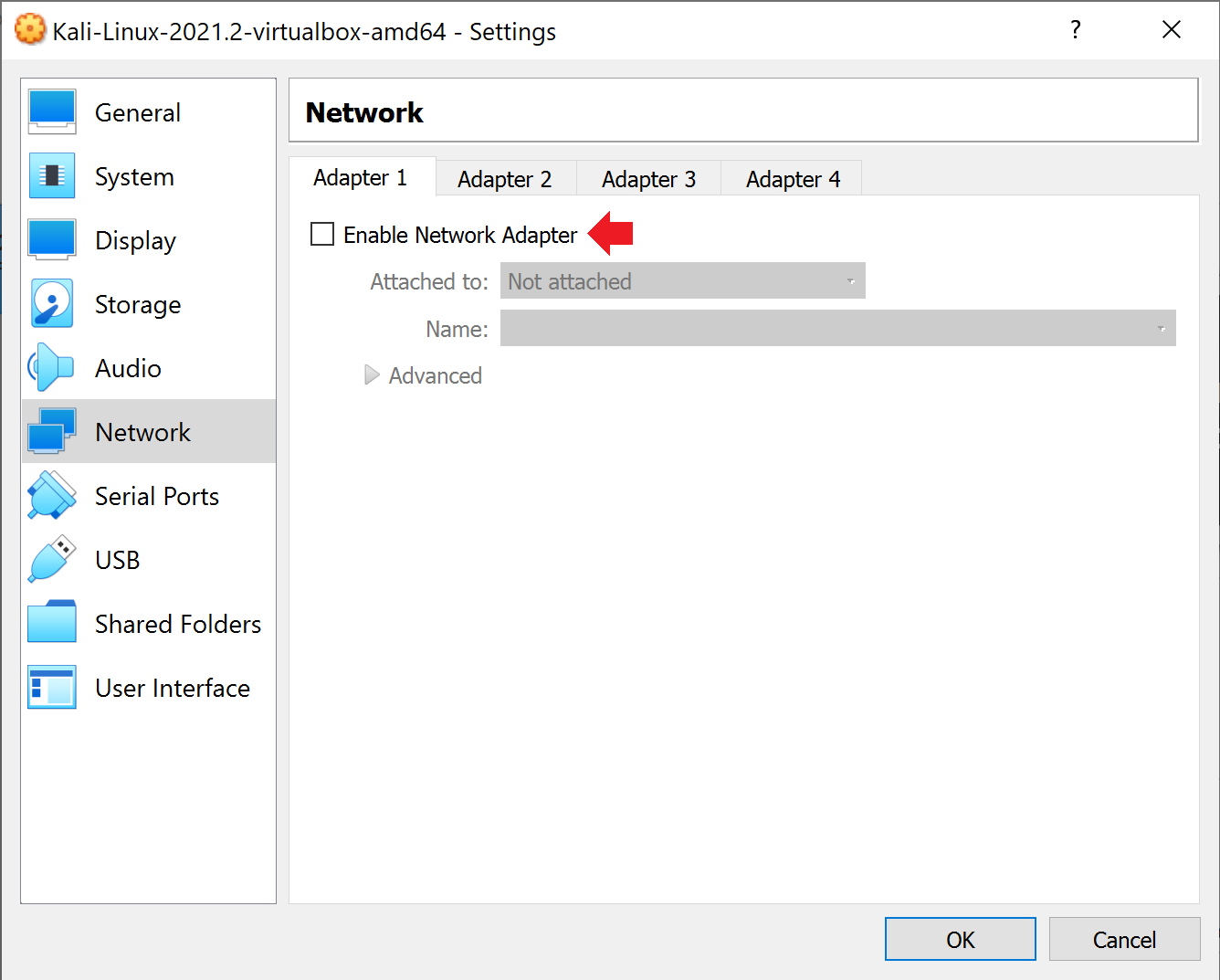
Select Network on the left hand side.

Step 4:
Click to check the “enable Network adapter box.
Step 5:
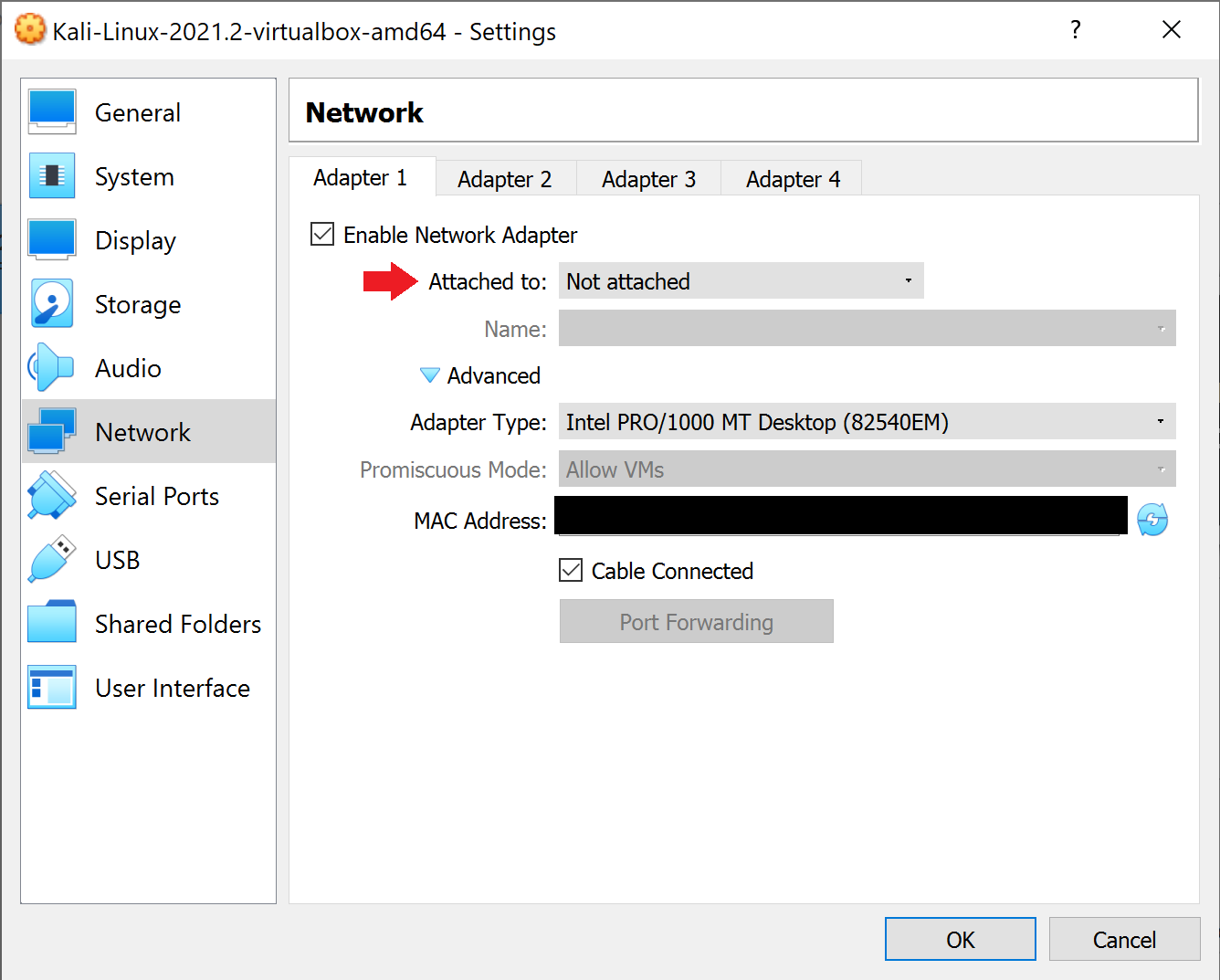
Lastly, select the drop down window for attached to and select Internal Network. This will add the newly created nat network that we created a few steps ago. From there select OK. We’re all done!